Thumbnails that get the click.
Type a one-line idea and get four scroll-stopping thumbnail options to pick from, or start from a proven recipe and your own photos. Remove backgrounds, add bold text, and stamp your logo. No design skills, no Photoshop.
Free starter credits · No credit card required · See pricing
Sign-in didn't complete — please try again. If it keeps failing, use a different Google account or browser.
90% of top-performing videos use a custom thumbnail, per YouTube
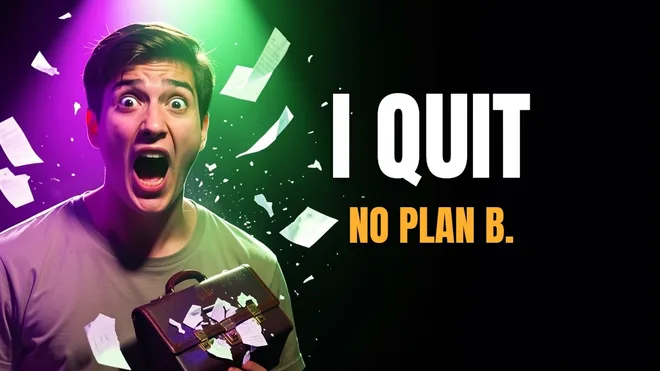
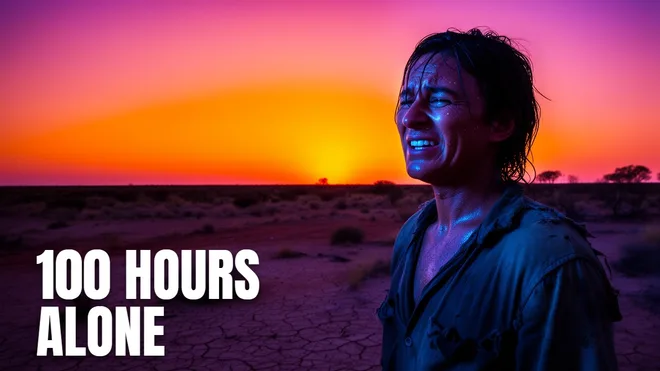
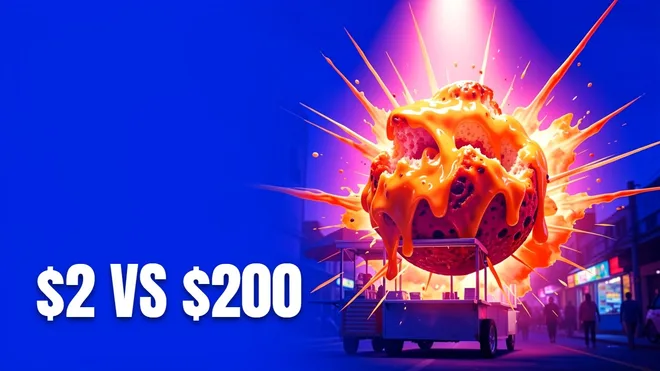
From idea to upload in 3 steps
Start your way
Type a one-line idea and get four AI options to pick from, choose a ready-made recipe, or drop in your own background image.
Edit and cut out
Add bold text, remove backgrounds to float your face over the scene, and arrange it in a real 1280×720 editor.
Polish and download
Render your favorite in HQ, stamp your logo, and export a crisp, YouTube-ready thumbnail.
Everything you need to out-click the competition
Built for clicks
Designed for click-through rate, not pretty AI art. High-contrast, scroll-stopping, and easy to read on a phone.
Four options per idea
One idea in, four AI variations out. Pick the winner, refine it, and render it in HQ. Or skip AI entirely and start from a recipe or your own photo.
One-click background removal
Cut out your face or any subject and float it over a bold background. No Photoshop, no green screen.
Bold text editor
Chunky YouTube-style fonts with thick outlines and shadows that stay readable on any screen.
Your logo, every time
On Studio, set your brand logo once and it lands in the corner of every thumbnail automatically. On any plan, drop it in as a layer.
Proven recipes & templates
Click a recipe to get a background, subject slot, and styled text instantly. Swap the words and ship.
Built for YouTube, not generic AI art
Midjourney and DALL·E make pretty pictures. Thumbsmith makes thumbnails. You get the right 1280×720 size, high-contrast composition, room for big text, and your face front and center. Every choice is tuned for the one number that actually grows a channel: your click-through rate.
Try it freeNo credit card required
Weighing your options? See how Thumbsmith compares to Canva, Photoshop, Adobe Express, and every other design tool.
Frequently asked questions
What is the best AI YouTube thumbnail generator?
Thumbsmith is an AI YouTube thumbnail generator built specifically for click-through rate. You type your video idea and it generates a 1280×720 thumbnail, then a full editor lets you add bold text, your face, and your logo. Unlike generic AI art tools like Midjourney or DALL·E, every thumbnail is sized and composed for YouTube.
How do I make a clickable YouTube thumbnail with AI?
Describe your video in plain language, pick a style, and the AI generates four high-contrast options with a clear focal subject and space for text. Pick your favorite, then add bold, mobile-readable text and your face in the editor and download it at 1280×720. No design skills or Photoshop needed.
Do custom thumbnails actually get more views?
Yes. YouTube itself has reported that 90% of the best-performing videos on the platform use a custom thumbnail. A better thumbnail lifts your click-through rate, a higher CTR tells YouTube to show your video to more people, and that snowballs into more views.
Is Thumbsmith free?
Yep. New accounts get 3 high-quality starter credits plus daily free previews, four variations at a time (with a small watermark). Watermark-free HQ renders run on credits, and Pro is just $5 a month for 80 of them. You never need any design experience.
What size is a YouTube thumbnail?
YouTube thumbnails are 1280×720 pixels (16:9). Thumbsmith generates and exports at exactly this size, optimized to stay readable on mobile where most views happen.
Can I put my own face in the thumbnail?
Yes. Upload your face or logo and the AI can place it into the generated thumbnail (multi-reference), or drag it in as a layer in the editor.
Can I make a thumbnail without AI?
Absolutely. Start from a ready-made recipe or drop in your own background image, then add text and photos by hand in the editor. AI generation is there when you want it, but it is completely optional.
Can I remove the background from my photo?
Yes, in one click. Select your photo and hit Remove background to cut out your face or any subject, then float it over a bold background — no Photoshop or green screen needed. Free accounts get 10 removals a day; paid plans are unlimited.
Can I add my own logo or branding?
Yes. On the Studio plan, upload your brand logo once, pick a corner, and it is automatically placed on every new thumbnail you create. On any plan you can drag your logo in as a layer whenever you want it.
Can I make thumbnails for several videos at once?
Yes. The Studio plan includes batch generation: paste up to 10 video titles and Thumbsmith renders a high-quality thumbnail for each in one go, ready to download or fine-tune in the editor.